 CONCEPT VISUAL
Set the first frame.
Create from text, begin with a reference or edit an image. Keep control over the model, ratio and resolution.
Open image studioFrom images to video, from a first idea to your next campaign. Different AI models and creative tools in one workspace.
A NEW PERSPECTIVE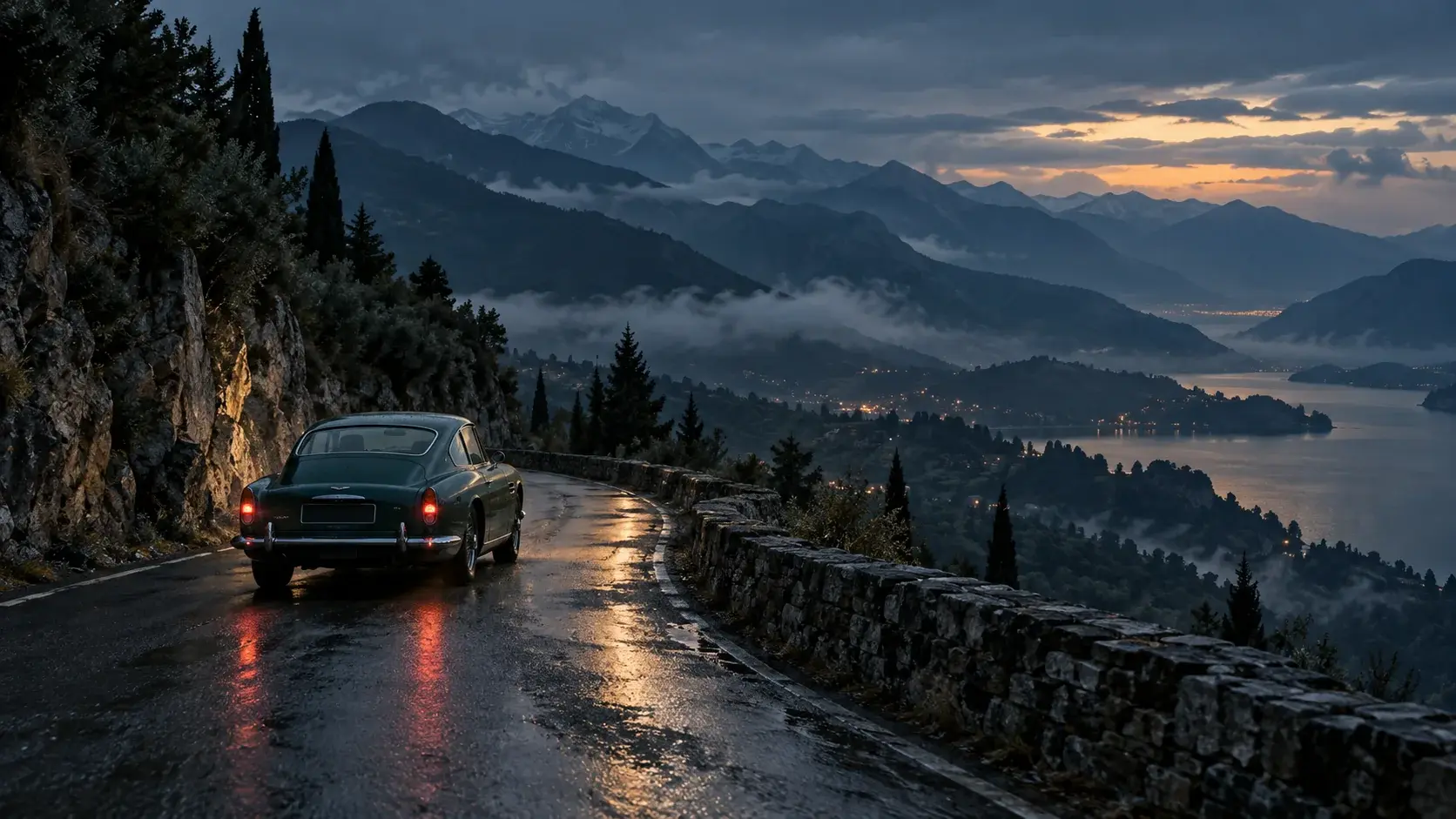 SCENE CONCEPTDiscover the film↗
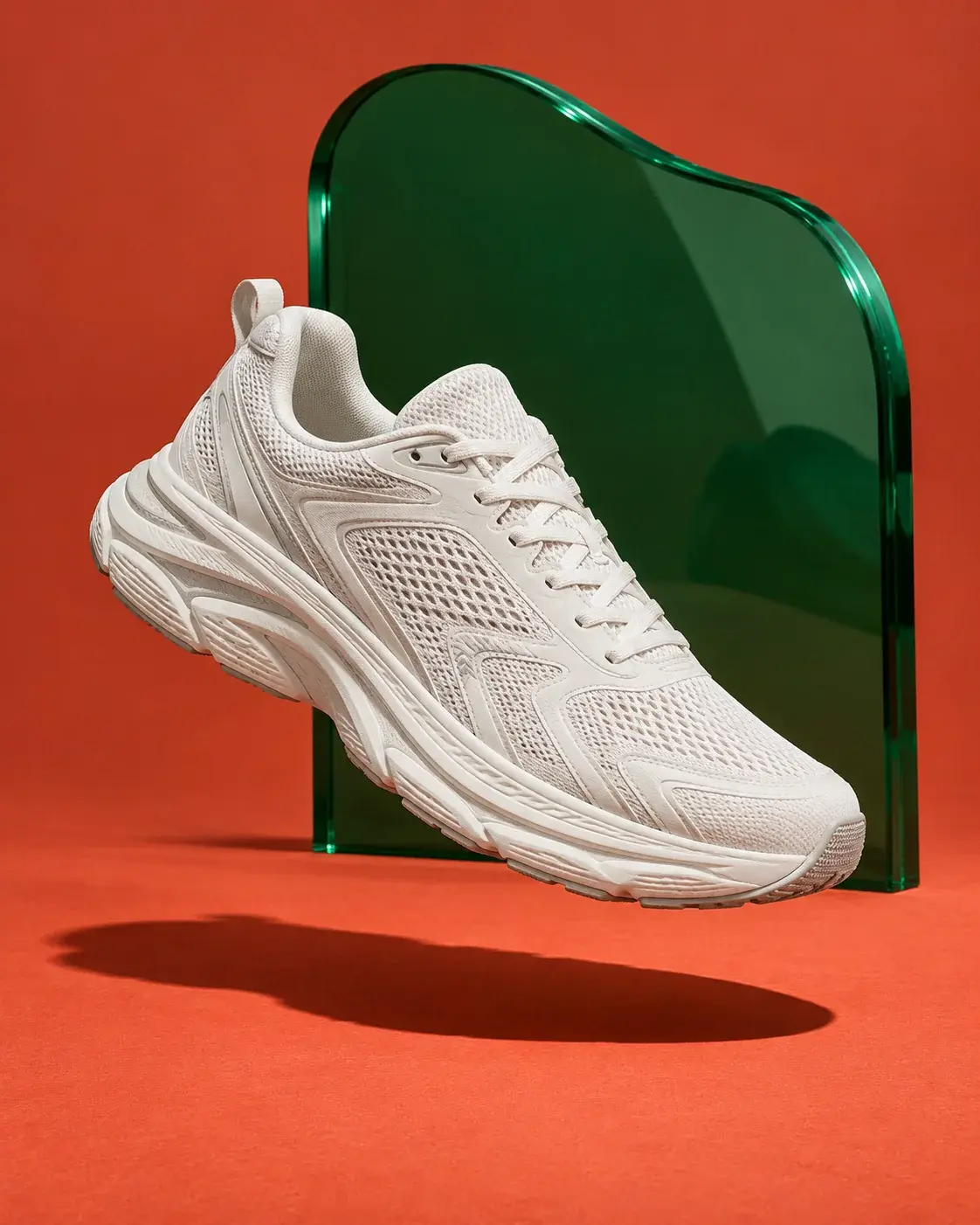 COLOR / FORM
Visuals are creative concepts, not generation results from this platform.
Planned catalog. Candidates stay unavailable until access, capabilities and real costs are verified.
Fashion. A product. A story on the road. One creative space, different directions.
Explore video toolsA motion edit made from our concept visuals. Not an AI video generated by this platform.
Work across models. Choose the tool for your idea, define the details and keep your creations in one place.
CONCEPT VISUALCreate from text, begin with a reference or edit an image. Keep control over the model, ratio and resolution.
Open image studioSCENE CONCEPT · STILL IMAGEBuild your text-to-video or image-to-video workflow. Choose duration and format; follow longer jobs in your history.
Open video studioKeep creative control instead of generating a whole episode in one pass: shape the script and storyboard, choose the shots you need, then take them into editing.
Plan a YouTube draftCONCEPT VISUAL · NOT GENERATED VIDEOWorkflow preview. Voice, long-form rendering and export remain unavailable until their live integrations are verified.
Find a starting point for your brand, your content or your personal project’s visual language.
CREATIVE CONCEPTFrom a product photo to a campaign direction. Define the lighting, setting and framing for your brand.
Change the light. Rethink the scene. Find the starting point for your own campaign.
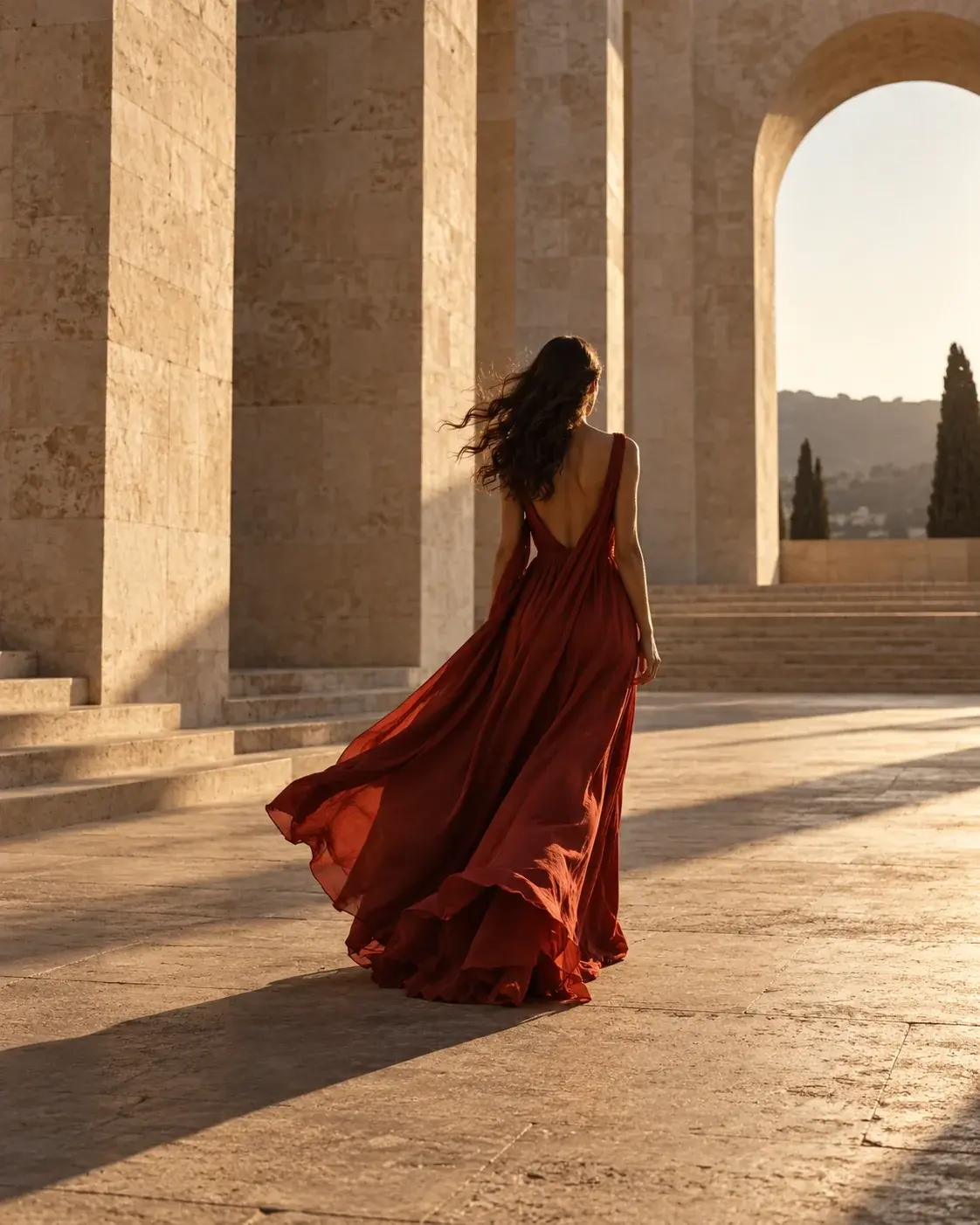
Desert architecture. A red dress. Sunset light.
Concept imageAmber glass. Travertine. A warm, natural frame.
Concept imageA mountain road. Morning mist. A slow camera push-in.
Still scene conceptCoral orange. Hard light. A bold product composition.
Concept imageThis selection is made for inspiration. Images are not real user generations from this platform; selecting a concept carries its prompt into the studio.
All templatesWrite a prompt or customize a starter. Describe your subject, lighting and scene.
Choose your model and format. See the credit estimate before confirming your generation.
Find completed outputs in your private library, save favorites and download your work.
A private space for your ideas.Generations and file access stay tied to your account.
Explore the libraryYour product, your story, your visual language. Find your starting point in Cinevitra and set your own creative direction.
Find your starting pointEvery idea needs a different tool. Use credits based on your model and settings, and track spending in one place.
Explore credit managementCredits are calculated before generation based on your model, resolution and video duration.
Create images, edit references and generate video from text or images. Actual generation requires connected authentication, storage and AI services.
The initial image candidates are FLUX Schnell, Seedream 4.5 and Nano Banana 2; video candidates are Wan 2.2 Turbo, Hailuo 02 Standard and Kling 2.5 Turbo Pro. Grok Imagine Video is a candidate for native-audio video. These are not confirmed live integrations; access, capabilities and actual costs must be tested before launch.
Costs are calculated on the server. Review the credit estimate before generation. Credits are reserved and safely settled based on completion or failure.
Your library uses private storage and account-scoped temporary links. Concept images are not added to your account.
This is a local product preview. Registration, actual generation and payments remain unavailable until their services are connected and enabled.
CONCEPT VISUAL